
Table of Contents
Devices disconnect randomly.
One moment everything works fine, and the next, your connection drops without warning. Wi-Fi disconnects, Bluetooth cuts out, USB devices reconnect repeatedly, or the internet seems to work only “sometimes.”
If this happens to you, the first reaction is usually concern:
Is something broken? Is my device failing? Or is this actually normal?
The short answer is: random disconnections are common—but not always harmless.
The long answer is what this article will explain in detail.
In this guide, you’ll learn why devices disconnect randomly, when it’s normal behavior, when it signals a real problem, and what factors—hardware, software, environment, or system design—are usually responsible.

What Does “Devices Disconnect Randomly” Really Mean?
When people say their devices disconnect randomly, they usually mean one of the following situations:
- A device disconnects without a clear action (no unplugging, no settings change)
- The connection drops intermittently, then reconnects
- The issue happens sometimes, but not consistently
- The problem is hard to reproduce on demand
This behavior can affect many types of connections:
- Wi-Fi
- Bluetooth
- USB
- Wired Ethernet
- Audio devices
- Input accessories (keyboard, mouse, controllers)
Understanding the type of disconnection is critical, because not all “random” behavior is caused by defects.
Is It Normal for Devices to Disconnect Randomly?

Yes—to a certain extent, random disconnections are normal in modern devices.
Today’s devices constantly balance:
- Power consumption
- Thermal limits
- Network conditions
- Software stability
- Background system tasks
Because of this, temporary disconnections can occur by design, not by failure.
However, there is an important distinction:
Occasional disconnections can be normal.
Frequent, repeatable, or escalating disconnections are not.
The key is pattern recognition, not isolated events.
The Most Common Reasons Devices Disconnect Randomly
1. Power Management and Energy Saving Systems
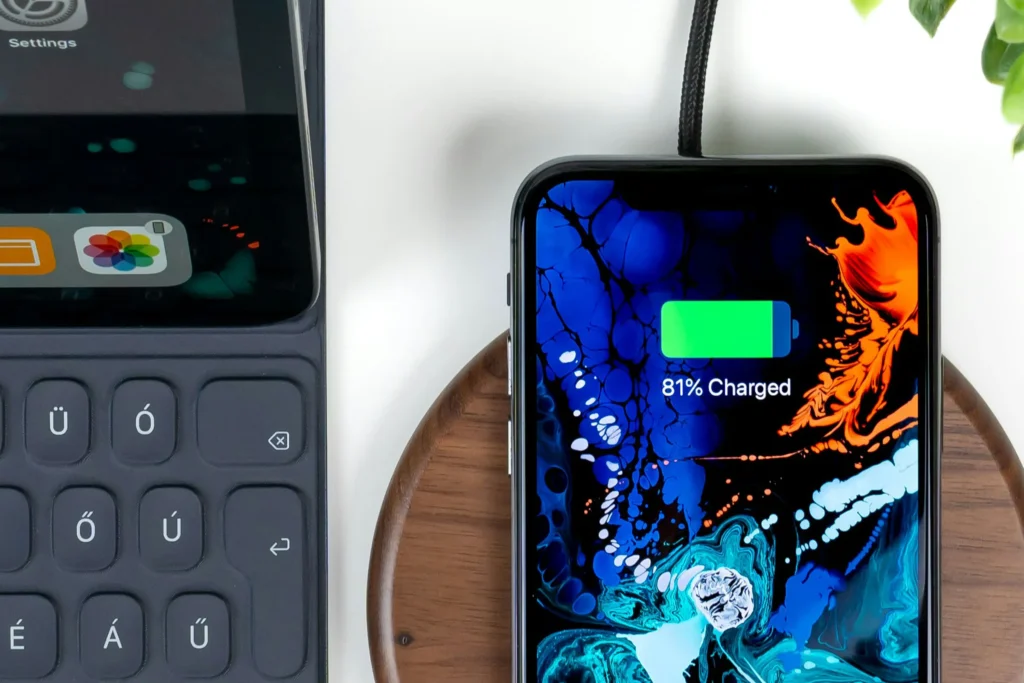
One of the most common reasons devices disconnect randomly is aggressive power management.
Modern operating systems often:
- Suspend background connections
- Disable radios to save battery
- Put ports into low-power states
- Reduce activity when the screen is off
This can cause:
- Bluetooth disconnecting when idle
- Wi-Fi dropping when the device sleeps
- USB devices reconnecting after inactivity
These disconnections are intentional behaviors, not faults.
2. Wireless Interference and Signal Instability
Wireless connections are especially vulnerable to environmental factors.
Common sources of interference include:
- Other Wi-Fi networks
- Bluetooth devices
- Microwaves
- Thick walls or metal objects
- Crowded environments
When interference spikes, devices may:
- Temporarily disconnect
- Drop packets until the connection resets
- Switch channels automatically
To users, this looks like devices disconnect randomly, even though the system is responding to unstable conditions.
3. Software Bugs and System Updates
Software plays a larger role than most people expect.
Random disconnections often appear:
- After operating system updates
- After driver updates
- After firmware changes
- When background services crash and restart
In these cases, the hardware is usually fine, but the software controlling the connection is unstable.
This is especially common when:
- Updates are incomplete
- Drivers are outdated or incompatible
- System settings are reset silently
4. Background Apps and Resource Conflicts
Multiple apps competing for the same resource can cause random disconnects.
Examples:
- VPNs interfering with network connections
- Security software interrupting USB or Wi-Fi access
- Audio apps competing for Bluetooth output
- System optimizers killing background services
When a resource is reclaimed or reset, the connection may drop temporarily.
5. Thermal Throttling and Overheating
Heat affects connectivity more than people realize.
When devices overheat, systems may:
- Disable radios temporarily
- Lower transmission power
- Reset controllers
- Pause non-essential functions
This can result in connections dropping seemingly at random, especially during heavy use or charging.
When Random Disconnections Are a Warning Sign

Not all random disconnections are harmless.
You should be more concerned if:
- Disconnections happen more frequently over time
- The issue appears only with one specific device
- Reconnecting requires manual intervention
- The problem occurs even at idle or full signal
- Disconnections happen with wired connections
These patterns often point to deeper issues.
Hardware-Related Causes of Random Disconnections
1. Worn or Damaged Ports
Physical ports degrade with use.
Symptoms include:
- USB devices working only at certain angles
- Charging cables disconnecting easily
- Accessories reconnecting repeatedly
This type of random disconnection is usually mechanical, not software-related.
2. Aging Batteries and Power Delivery Issues
As batteries degrade:
- Voltage becomes unstable
- Power delivery fluctuates
- Components reset unexpectedly
This can cause radios and ports to disconnect intermittently, especially at lower charge levels.
3. Faulty Internal Components
Less common, but possible:
- Wi-Fi modules
- Bluetooth chips
- Antennas
- Internal connectors
These issues usually worsen over time rather than staying random.
Software and System-Level Causes
1. Corrupted System Settings
Sometimes settings become corrupted without visible errors.
This may affect:
- Network profiles
- Power rules
- Device permissions
- Background process priorities
The result is unstable connectivity that appears random.
2. Driver Conflicts
Drivers act as translators between hardware and software.
If drivers:
- Are outdated
- Are partially installed
- Conflict with system updates
They may crash and restart repeatedly, causing brief disconnections.
3. Network Stack Instability
The network stack handles all connectivity logic.
If it becomes unstable:
- Connections drop without warning
- Reboots temporarily fix the issue
- The problem returns later
This often happens after major updates or configuration changes.
Environmental Factors That Trigger Random Disconnects
Sometimes the device isn’t the problem at all.
Environmental triggers include:
- Moving between rooms
- Using devices in crowded areas
- Switching between networks
- Electrical interference
- Weak grounding or power fluctuations
If disconnections happen only in specific locations, environment is often the cause.
How to Tell If Devices Disconnect Randomly Because of Software or Hardware
A simple rule helps:
- If restarting fixes it temporarily → likely software
- If moving or touching the device affects it → likely hardware
- If it happens only in certain places → likely environment
- If it worsens over time → possible hardware degradation
No single test is perfect, but patterns reveal the truth.
Are Random Disconnections Dangerous?
In most cases, random disconnections are not dangerous.
However, they can be risky when:
- Occurring during data transfers
- Interrupting firmware updates
- Affecting critical peripherals
- Causing repeated reconnections that stress components
Occasional drops are fine. Persistent instability is not.
What You Should Not Do
Many people make the problem worse by:
- Installing multiple “fix” apps
- Changing too many settings at once
- Forcing system tweaks without understanding them
- Replacing hardware too early
Random disconnections require observation before action.
When Should You Actually Worry?
You should take action if:
- Devices disconnect randomly multiple times per hour
- The issue appears across all networks and locations
- Wired connections behave the same way
- The problem survives resets and updates
At that point, the issue is no longer “normal behavior.”
Final Verdict: Is It a Real Problem?
So, is it a real problem when devices disconnect randomly?
Sometimes yes. Often no.
Random disconnections are usually the result of:
- Power management
- Wireless conditions
- Software behavior
- Environmental interference
They become a real problem only when they are persistent, escalating, or location-independent.
Understanding why devices disconnect randomly is far more important than reacting to the first occurrence.
Key Takeaways
- Devices disconnect randomly more often than people realize
- Occasional disconnections are normal in modern systems
- Repeated or worsening disconnections indicate real issues
- Software and environment cause most cases
- Hardware problems usually show clear patterns over time
You can also explore more step-by-step guides on the Tech Issues Hub homepage.
FAQ
Why do devices disconnect randomly without warning?
Devices disconnect randomly due to a combination of software background processes, unstable wireless signals, power-saving features, or minor hardware inconsistencies. In most cases, the issue is not a serious defect but a result of how modern devices manage connections automatically.
Is random disconnection a sign of hardware failure?
Random disconnections are rarely caused by hardware failure. Most issues originate from software conflicts, outdated firmware, interference from other devices, or environmental factors such as signal congestion or electromagnetic noise.
Can software updates cause devices to disconnect randomly?
Yes. After a system update, devices may temporarily disconnect due to compatibility issues, background optimization processes, or reset network settings. These problems often resolve after subsequent updates or manual configuration adjustments.
Do power-saving modes affect device connections?
Power-saving and battery optimization features frequently reduce background connectivity to conserve energy. This can cause Wi-Fi, Bluetooth, or USB connections to disconnect automatically when the device is idle or the battery level is low.
Why do devices disconnect more often in certain locations?
Environmental factors such as crowded wireless networks, physical obstacles, and interference from other electronic devices can destabilize connections. This explains why devices may disconnect frequently in offices, apartments, or public spaces.
Can multiple connected devices cause random disconnections?
Yes. When too many devices share the same network or controller, bandwidth limitations and signal prioritization can cause intermittent disconnections, especially with older routers or hubs.
When should random disconnections be considered a serious problem?
Random disconnections become concerning if they occur constantly across different networks, cables, and devices, even after software updates and resets. In such cases, professional diagnostics or hardware inspection may be necessary.