
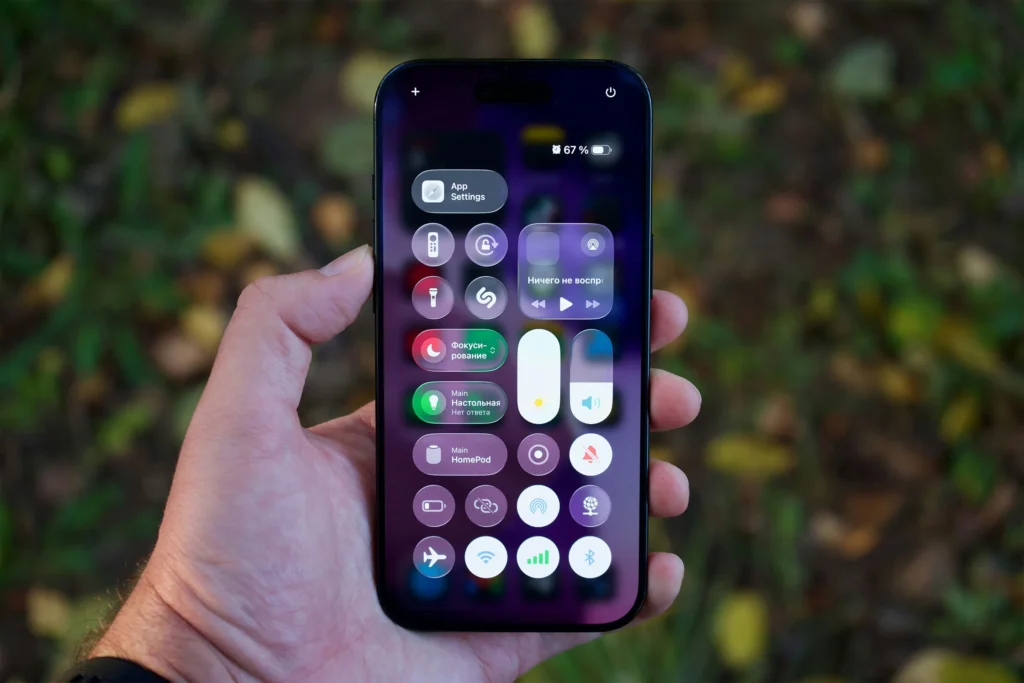
Noticing that your battery life shorter after update can be frustrating. Your phone worked fine before, but suddenly it drains faster, heats up more, or doesn’t last through the day. Many users immediately assume the update “ruined” their battery—but that’s rarely the full story.
In reality, system updates change how your device manages power, background activity, and hardware communication. Some battery impact is temporary, while other cases reveal existing battery wear or app conflicts.
This guide explains why battery life becomes shorter after an update, what’s normal, what’s not, and what you can do to fix it.
Table of Contents
Is it normal for battery life to be shorter after an update?
Short answer: yes, temporarily
After a major update, it’s common for battery life to appear worse for a few days. This happens because the system is:
- Re-indexing files
- Re-optimizing apps
- Rebuilding caches
- Re-learning usage patterns
During this phase, power consumption is higher than usual.
How long should this last?
Normally:
- 1–3 days for minor updates
- Up to 1 week for major OS upgrades
If battery life remains shorter after an update beyond this period, deeper issues are likely involved.
Why updates affect battery life
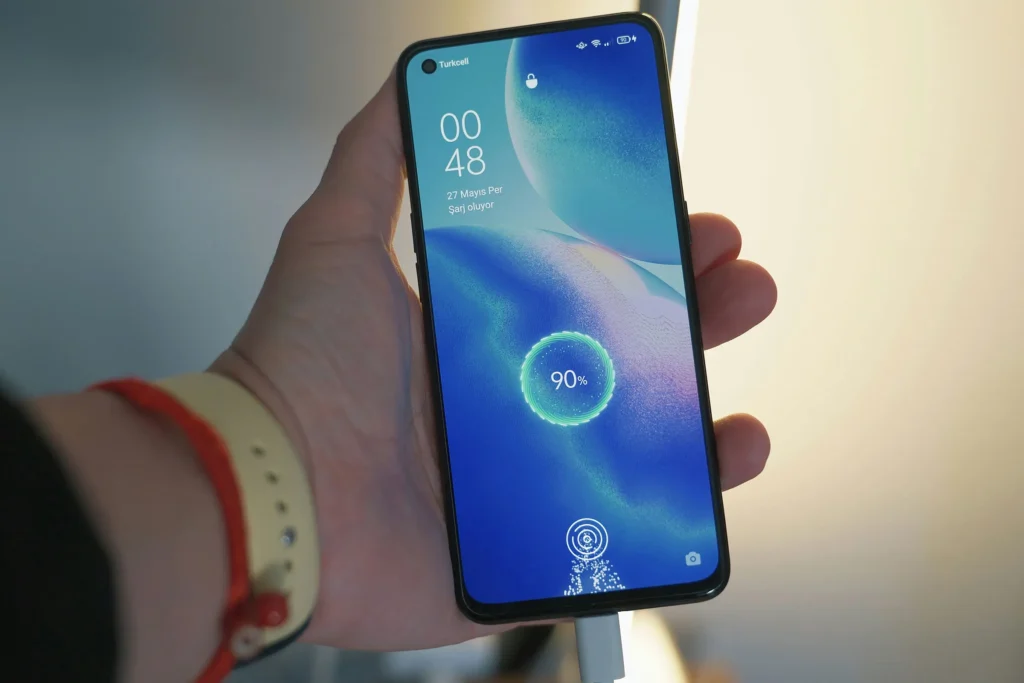
System processes run in the background
After updating, your phone performs tasks you don’t see:
- App optimization
- Database rebuilding
- AI-based usage calibration
- Cloud re-sync
These processes keep the CPU active even when the screen is off, increasing battery drain.
Changes to power management algorithms
Updates often modify:
- CPU scheduling
- Background app limits
- Network handling
- Thermal control
What worked efficiently before may behave differently under new rules, especially with older hardware.
App compatibility issues
Some apps are not immediately optimized for new OS versions. Poorly adapted apps may:
- Wake the device repeatedly
- Ignore background limits
- Consume excessive network power
This is a major reason battery life feels shorter after an update.
Common symptoms after updating
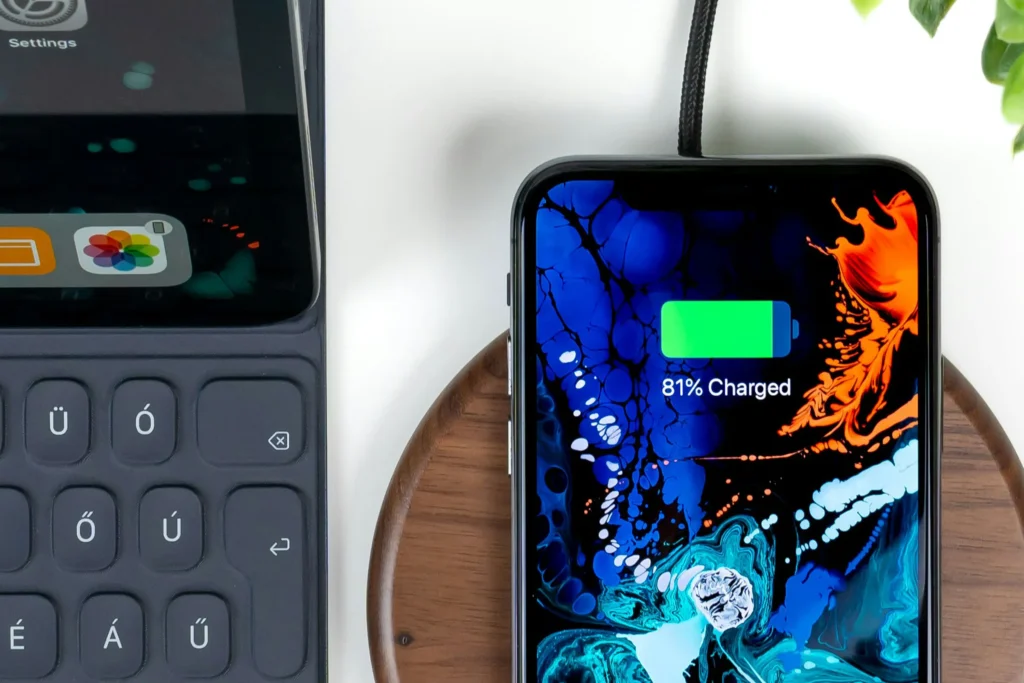
Faster drain with normal use
The phone:
- Loses battery faster during the day
- Requires charging earlier than before
Standby drain increases
Even when idle:
- Battery drops noticeably overnight
- Standby efficiency worsens
This often overlaps with issues discussed in
👉 Standby battery drain overnight: how to fix
Device heats up more easily
Post-update battery drain is often accompanied by heat, especially:
- During charging
- During light usage
Heat accelerates battery consumption and long-term wear.
When an update exposes existing battery wear
Updates don’t create battery aging—but they reveal it
Lithium-ion batteries degrade gradually. Older batteries may:
- Handle previous power profiles fine
- Struggle with new system demands
An update can push an already-worn battery past its comfort zone, making battery life appear suddenly worse.
Signs battery aging is the real issue
- Battery percentage drops unevenly
- Device shuts down at 20–30%
- Charging feels slower or inconsistent
In these cases, the update isn’t the root cause—it’s the trigger.
How to diagnose battery drain after an update
Check battery usage statistics
Look for:
- Apps using battery without screen time
- System services dominating usage
- Unusual background activity
This helps separate app-related drain from system-level drain.
Compare standby vs active drain
If battery life is shorter after an update mainly during idle time, the problem is likely:
- Background processes
- Network behavior
- Location services
This connects directly to broader idle drain patterns explained in
👉 Battery drains fast without use: is something wrong?
Safe mode testing
Booting into safe mode:
- Disables third-party apps
- Reveals whether apps are the cause
If battery life improves significantly, one or more apps are draining power.
Practical steps to fix battery life after an update
Give the system time
Before changing anything:
- Use the device normally for 3–5 days
- Allow optimization processes to finish
Many battery issues resolve naturally.
Update all apps
Outdated apps are a top cause of post-update drain.
- Open your app store
- Update everything
- Remove apps no longer supported
Restart and recalibrate
A simple restart:
- Clears stuck processes
- Resets background activity
Occasionally, recalibrating the battery (using it normally between 20–80%) helps the system read battery levels more accurately.
Review background permissions
Limit:
- Background refresh
- Always-on location access
- Excessive notifications
Apps don’t need constant access to stay functional.
Manage connectivity features
Disable when unnecessary:
- Bluetooth scanning
- Wi-Fi scanning
- Nearby device discovery
These features often increase drain silently after updates.
Charging habits matter more after updates
Charging heat worsens battery drain
If your phone heats up while charging after an update, battery efficiency drops faster. Heat-related issues are covered in detail in:
👉 Device heats up while charging: is it dangerous?
Avoid staying at 100%
Holding the battery at full charge:
- Increases chemical stress
- Reduces long-term capacity
Charging to 80–90% often improves post-update battery stability.
When rolling back or resetting makes sense
Factory reset as a last resort
If battery life remains shorter after an update even after:
- App updates
- Permission checks
- Several days of use
A factory reset can remove corrupted settings or leftover update data.
Downgrading the OS?
Not recommended for most users:
- Security risks
- Compatibility issues
- Potential data loss
Fixing optimization issues is usually safer.
When to consider battery replacement
Replacement may be needed if:
- Battery health is significantly degraded
- Battery life was already declining before the update
- Battery drains rapidly even in safe mode
In these cases, the update simply revealed a hardware limitation.
How this fits into the bigger battery drain picture
A battery life drop after an update rarely exists alone. It often connects with:
- Standby drain
- Charging heat
- Background activity
To understand the complete battery drain ecosystem, this pillar article provides the full framework:
👉 Battery drains fast without use: is something wrong?
That guide ties together idle drain, updates, charging behavior, heat, and battery aging into one system-level explanation.
Final verdict: what should you do?
- ✅ Wait a few days after updating
- ✅ Update apps and review permissions
- ✅ Reduce background and connectivity load
- ⚠️ Monitor heat and standby drain
- ❌ Don’t panic or blame the update immediately
In most cases, battery life becoming shorter after an update is temporary and fixable. When it isn’t, the update usually uncovers an existing battery issue rather than creating a new one.