Table of Contents
Have you ever left your phone, tablet, or laptop untouched overnight, only to wake up and find the battery much lower than expected? When a battery drains fast without use, it can be alarming.
You might think: is there a defect? Or is this just normal behavior? Understanding the reasons behind standby battery drain is essential to prolong device life, prevent frustration, and ensure reliable performance.
In this in-depth guide, we will explore why your battery drains fast without use, the most common causes, how to diagnose them, and actionable steps to fix and prevent the problem.
Understanding standby battery drain

A battery should ideally hold charge well when a device is idle. However, standby drain is affected by several factors:
- Software activity running in the background
- Network connectivity
- Device settings and features
- Battery age and health
Knowing why your battery drains fast without use helps you take targeted action.
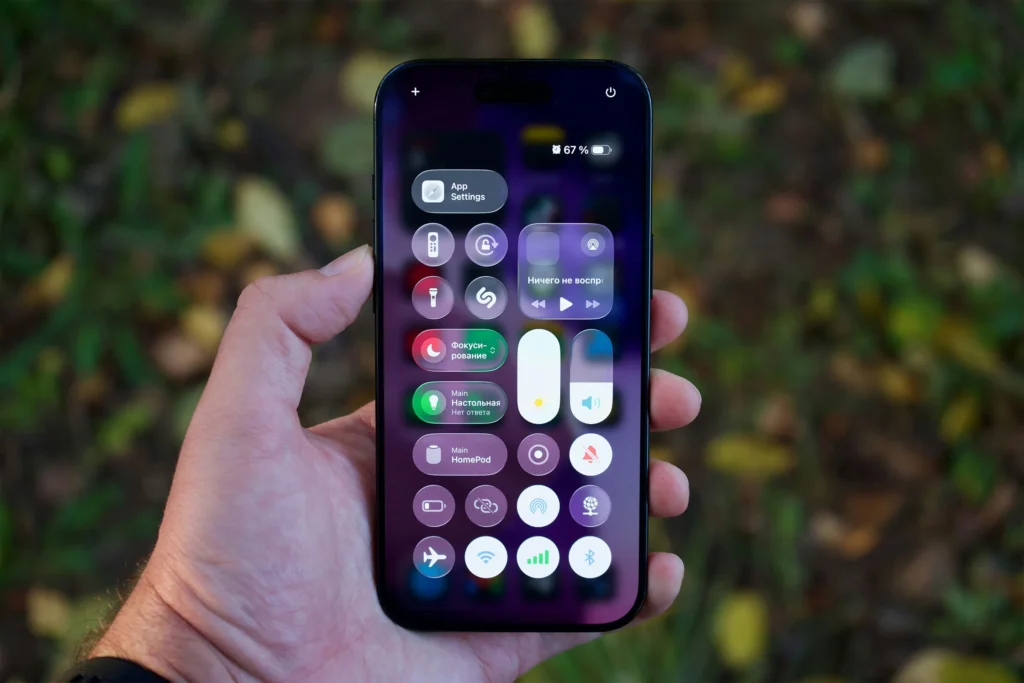
Common causes of battery drain without use
There are four main categories:
- Background apps and system processes
- Connectivity and notifications
- Hardware and battery health
- Environmental factors
1. Background apps and system processes
Even when a device is idle, apps can run background processes:
- Social media apps frequently check for messages
- Email apps sync accounts continuously
- Streaming apps pre-load content
System processes also consume battery:
- Location services
- Automatic updates
- Device analytics
Solution: Check battery usage in settings to identify which apps consume the most energy while idle.
2. Connectivity and notifications
Your device constantly communicates with networks, even in standby:
- Wi-Fi periodically scans for networks
- Mobile data checks for push notifications
- Bluetooth remains in low-power scanning mode
If you have multiple accounts and connected services, these background checks can slowly drain battery without use.
Tips:
- Disable unused network connections (Wi-Fi, Bluetooth) when idle
- Limit background data for apps
- Use “Do Not Disturb” or battery-saving modes overnight
3. Hardware and battery health
Sometimes the battery itself is the problem:
- Lithium-ion batteries degrade over time
- Capacity decreases after hundreds of charge cycles
- Internal resistance increases, causing faster discharge
Even if nothing is running, a degraded battery can lose charge faster.
Signs of a failing battery include:
- Rapid drop from 100% to 80% overnight
- Device heats up slightly even when idle
- Unexpected shutdowns at medium charge
Solution: Consider battery replacement if the device is a few years old and drain persists.
4. Environmental factors
Temperature and humidity affect battery behavior:
- High heat accelerates self-discharge
- Extremely cold conditions can temporarily reduce battery capacity
- Storing devices in hot cars or near heaters worsens drain
Tip: Keep devices in a cool, dry place when idle.
Device-specific causes
Smartphones
- Android devices: aggressive background app management may help, but some apps bypass restrictions
- iOS devices: background app refresh and push notifications can consume energy
- Widgets and live wallpapers increase idle consumption
Laptops
- Sleep mode may still power Wi-Fi, Bluetooth, and sensors
- Some applications prevent proper sleep
- Battery calibration may be needed
How to diagnose why your battery drains fast without use
Step-by-step approach:
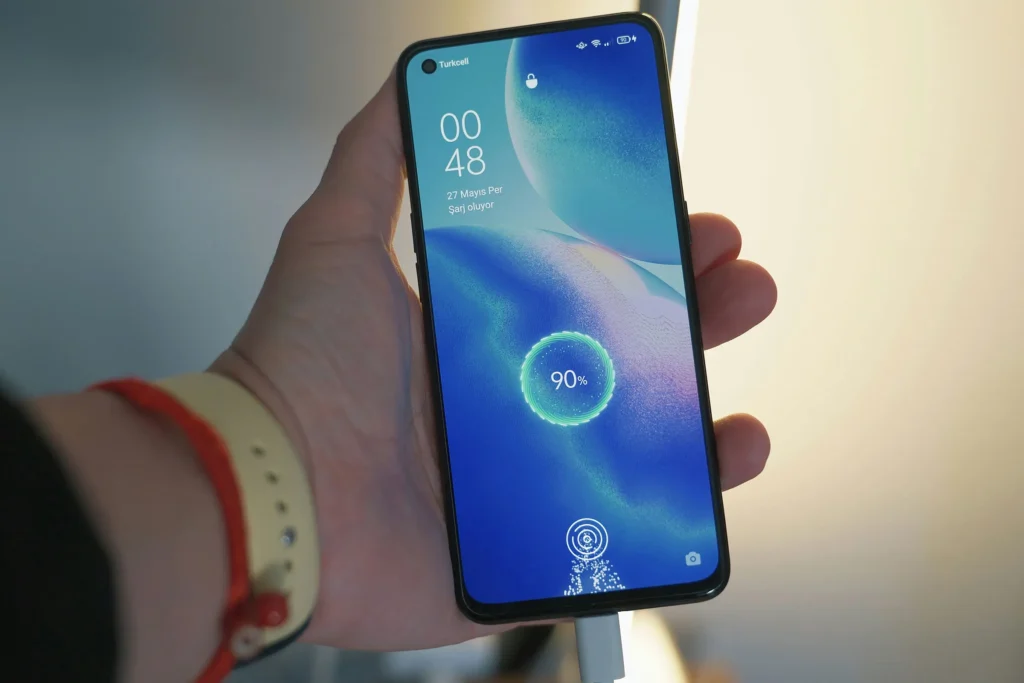
- Check battery stats
- Android: Settings → Battery → Battery usage
- iOS: Settings → Battery → Last 24 Hours / Last 10 Days
- Identify top offenders
- Apps or services using more energy than expected
- System processes behaving abnormally
- Test in safe mode
- Safe mode disables third-party apps
- If drain stops → likely an app issue
- Inspect battery health
- iOS: Settings → Battery → Battery Health
- Android: Battery info via diagnostics or apps like AccuBattery
- Check for firmware updates
- Sometimes standby drain is caused by software bugs
- Update OS and apps to latest version
Practical solutions
1. Limit background activity
- Disable background app refresh
- Restrict apps that don’t need notifications
- Use battery saver or low-power mode overnight
2. Manage connectivity
- Turn off Wi-Fi, mobile data, or Bluetooth when idle
- Use airplane mode if device will be unused for extended periods
3. Adjust device settings
- Reduce screen-on notifications
- Disable location services when not needed
- Lower brightness or enable auto-brightness
4. Calibrate your battery
- Fully charge to 100%, then drain to 0% once per month
- This helps the system report battery levels accurately
5. Replace aging battery
- If the device is 2+ years old and drain persists, consider battery replacement
- Genuine manufacturer batteries provide best reliability
Advanced tips for minimizing standby drain
- Use lightweight apps or web versions instead of heavy native apps
- Remove widgets and live wallpapers that refresh frequently
- Turn off unnecessary visual effects or animations
- Monitor network activity to detect rogue apps or malware
Battery drain myths
- Charging overnight kills the battery → Modern devices stop charging at 100%
- Apps in background always cause huge drain → Only certain apps are culprits
- Cold weather permanently damages battery → Usually temporary, not permanent
FAQs
My phone battery drains fast even when turned off. Is this normal?
Yes, but the drain is usually minimal. Complete shutdown should stop most battery usage.
Why does my laptop battery drain fast in sleep mode?
Some apps prevent deep sleep or wake the system periodically to sync data.
Does background Bluetooth or Wi-Fi cause standby drain?
Yes. Disabling them when not needed reduces drain significantly.
Can battery calibration fix fast drain?
It can help the system report levels accurately, but does not restore lost capacity.
When should I replace my battery?
If standby drain is persistent, rapid, and the device is 2+ years old, replacement is recommended.
For a broader understanding of everyday tech problems, visit our main hub on tech issues. Here you’ll find guides on connectivity, audio, hardware, and battery issues.
Summary
A battery that drains fast without use is usually caused by:
- Background apps and system processes
- Connectivity and notifications
- Aging battery and hardware limitations
- Environmental factors
By following the troubleshooting steps and preventive measures above, you can extend battery life, maintain device stability, and reduce frustration.