
Few things are more frustrating than picking up your phone and seeing it charging painfully slowly, even when using the original charger that came with your device. Slow charging not only wastes time but may indicate underlying battery or hardware problems. In this guide, we will explore why your phone charging is slow, how to diagnose the causes, and actionable steps to fix it.
Table of Contents
1. Understanding why charging is slow
Slow charging occurs when your smartphone does not draw the expected current or voltage, extending the time needed to reach full charge. For modern devices, slow charging can be caused by hardware issues, battery aging, software problems, or external factors.
Even if you are using the original charger, slow charging may appear due to misalignment between charger capabilities, cable quality, battery health, or internal device issues.
2. How modern phone charging works
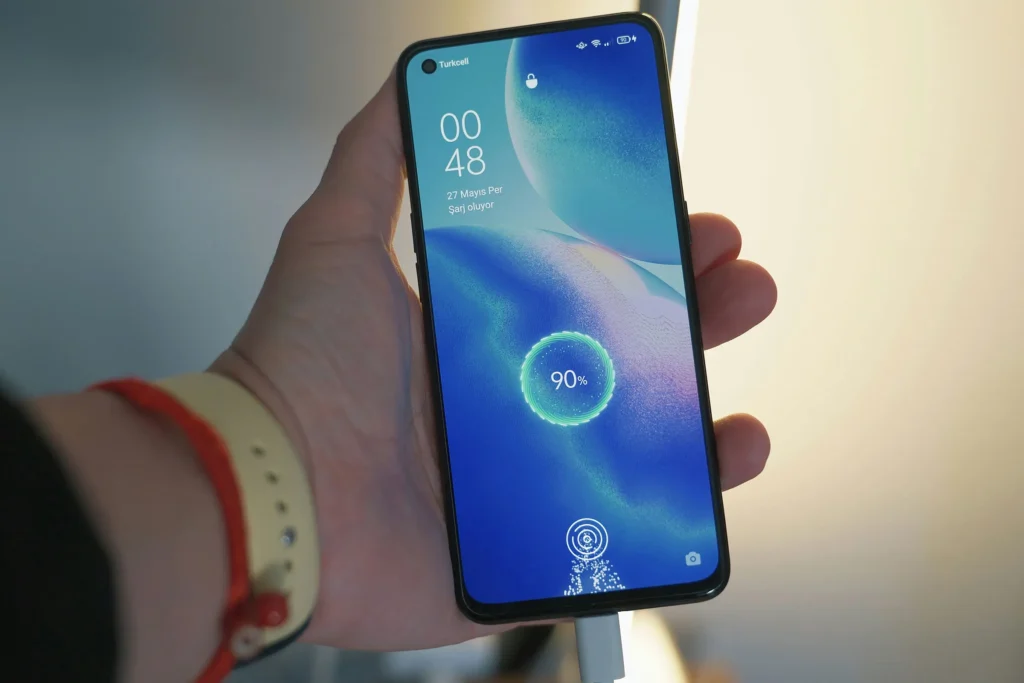
Modern smartphones rely on lithium-ion or lithium-polymer batteries, which charge in two main phases:
- Constant current (fast charging phase): The battery rapidly draws power until it reaches around 70–80%.
- Constant voltage (trickle charge phase): Charging slows down to prevent overheating and battery stress.
Other factors affecting charging speed:
- Adaptive fast charging: Phones communicate with the charger to draw optimal current.
- Battery protection circuits: Limit current if battery temperature is high.
- Software calibration: Battery management software may adjust charging speed for health preservation.
Understanding this explains why even “normal” charging can sometimes appear slow.
3. Common causes of slow charging
A. Cable and charger issues
- Damaged or low-quality cables reduce current flow.
- Chargers lose efficiency over time.
- USB ports may deliver inconsistent voltage.
- Solution: Use certified original chargers and cables; avoid cheap third-party replacements.
B. Battery health and aging
- Old batteries have higher internal resistance, reducing charging speed.
- Frequent deep discharges or high-temperature exposure accelerate battery aging.
- Solution: Check battery health (iPhone: Settings > Battery > Battery Health; Android: device maintenance).
C. Charging port problems
- Dust, lint, or corrosion in the charging port can block proper contact.
- Loose connections may prevent full current draw.
- Solution: Clean the port gently with compressed air or a soft brush; avoid metal objects.
D. Software and background processes
- Apps running in the background may consume power faster than the phone can charge.
- Outdated firmware or bugs can affect charging speed.
- Solution: Update your OS, close background apps, restart the phone.
E. Temperature and environmental factors
- Charging in extremely hot or cold environments slows down current draw.
- High temperature triggers battery protection mechanisms to reduce speed.
- Solution: Charge in a cool, well-ventilated environment (15–30°C / 59–86°F).
4. How to test if your phone is charging slowly
- Use a known-good cable and charger: Test with another original cable.
- Measure charging speed: Apps like AccuBattery can show mAh drawn per hour.
- Observe battery percentage: Compare with expected charging times.
- Test another outlet or power source: Sometimes wall sockets or USB ports underperform.
5. Steps to fix slow charging
- Clean your charging port.
- Replace worn cables or chargers with certified originals.
- Disable battery-draining apps during charging.
- Avoid using the phone while charging.
- Enable airplane mode to reduce energy consumption.
- Update the phone’s OS to ensure optimized charging algorithms.
- Monitor battery health and consider recalibration: charge to 100%, discharge to ~5%, repeat once.
6. When to replace the battery or charger
- Battery replacement: If battery health <80% or shows sudden drops, replacement may restore proper charging speed.
- Charger replacement: If multiple devices charge slowly with the same charger, it’s time for a new certified charger.
Internal link: See also Battery drains fast without use and Phone battery drops suddenly for related battery optimization tips.
7. Related issues: fast battery drain, device heating
- Slow charging can correlate with battery drain issues.
- Device heating while charging accelerates battery aging and may further reduce charging speed.
- Managing both charging habits and battery temperature is key to smartphone longevity.
8. Frequently Asked Questions (FAQ)
Can fast charging damage my battery?
Certified fast charging is generally safe. Avoid third-party high-power chargers.
Why does my phone slow down charging at 80%?
This is normal for lithium-ion batteries to prevent overheating and extend battery life.
Can software updates fix slow charging?
Yes, updates can optimize charging algorithms and correct bugs.
How long should it take to charge my phone?
Depends on device, charger, and battery health. Typically 1–2 hours with fast charging.
Conclusion
Slow charging is common but usually solvable. Understanding the causes—from cables and chargers to battery aging and software—can help you troubleshoot effectively. With proper maintenance, certified accessories, and battery awareness, you can restore optimal charging speed and extend your device’s lifespan.