
Seeing your phone stop charging at 80% can be confusing and frustrating—especially when you expect a full charge. Many users immediately assume their battery is damaged or the charger is faulty. In reality, this behavior is often intentional, designed to protect battery health.
In this in-depth guide, we’ll explain why a battery won’t charge past 80%, when it’s completely normal, when it signals a real problem, and what you can do about it.
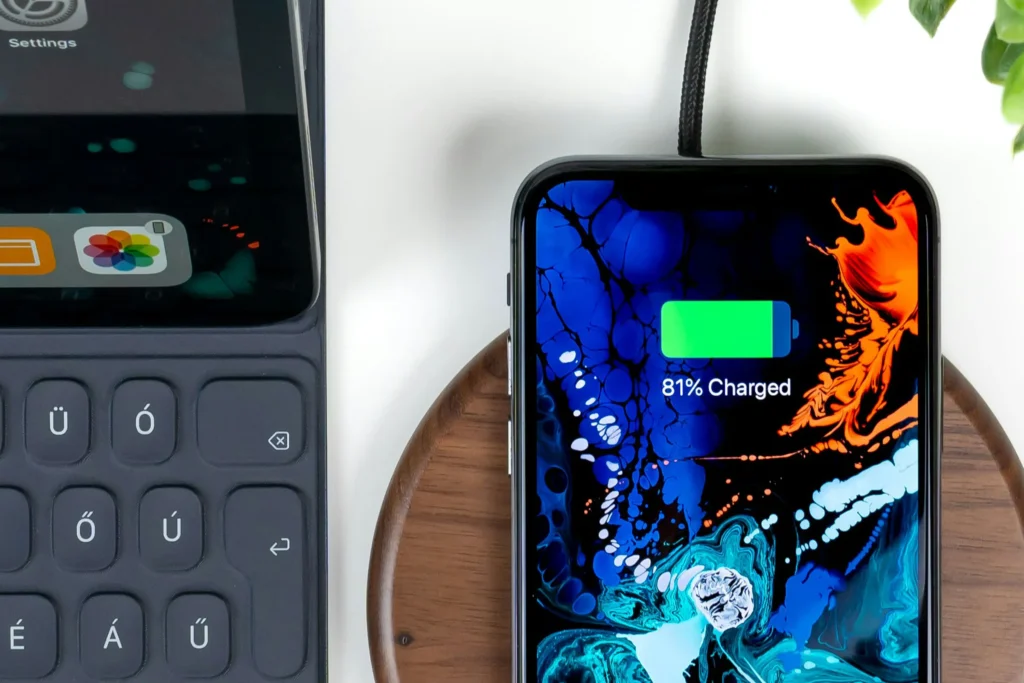
Table of Contents
Understanding the 80% charging limit

Why 80% feels like a problem to users
Most people associate a “healthy” phone with a 100% charge. When charging suddenly slows down or stops at 80%, it feels like something is broken—even if the device is working as designed.
Why manufacturers chose 80% as a key threshold
Lithium-based batteries experience the most stress above 80%. Charging beyond this level increases:
- Heat generation
- Chemical degradation
- Long-term capacity loss
That’s why many modern devices intentionally slow or pause charging at this point.
Is battery won’t charge past 80% this behavior new?
No. Battery management systems have existed for years, but recent smartphones make it more visible by clearly stopping or delaying charging at 80%.
How lithium batteries behave near full charge
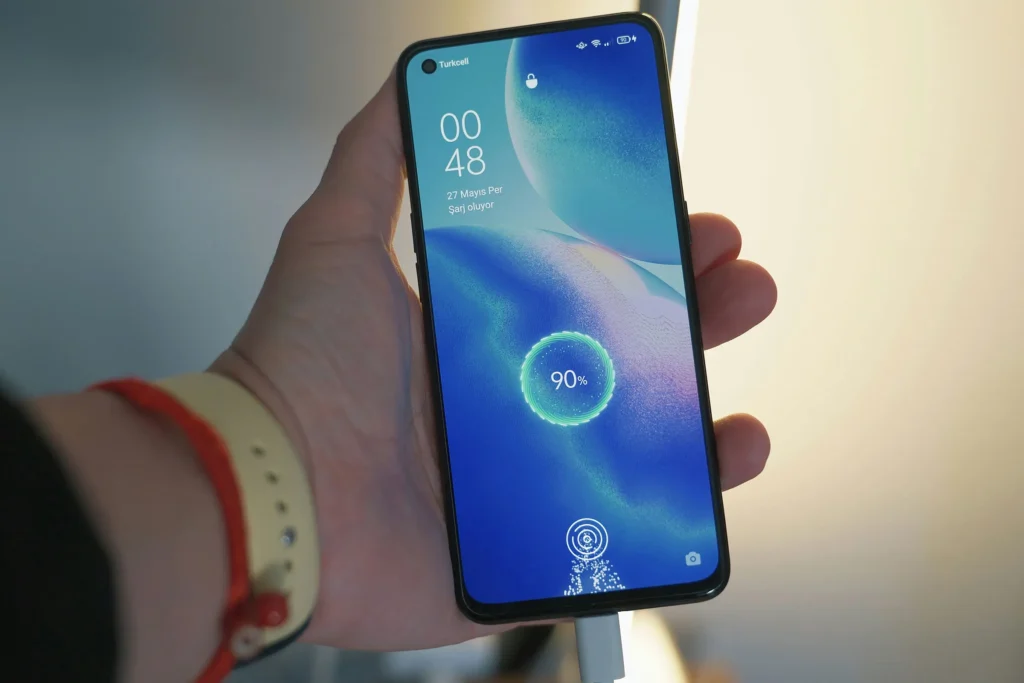
The two charging phases explained
Constant Current phase (0–70/80%)
- Battery charges quickly
- High current flows safely
- Heat is manageable
Constant Voltage phase (80–100%)
- Charging speed slows dramatically
- Voltage is held constant
- Battery protection becomes aggressive
This is the phase where most users think something is wrong.
Why charging slows dramatically after 80%
At higher charge levels, lithium ions pack more densely. Pushing more energy into the battery risks:
- Overheating
- Lithium plating
- Permanent capacity damage
Slower charging is intentional and protective, not a defect.
Software-based charging protection features

Optimized battery charging
Many phones now use AI-based charging limits.
How optimized charging works
- Learns your daily charging habits
- Pauses at 80%
- Finishes charging shortly before you unplug
Devices commonly using this feature
- iPhones
- Samsung Galaxy phones
- Google Pixel devices
This is one of the most common reasons a battery won’t charge past 80%.
Battery health preservation modes
Some devices allow users to manually cap charging.
Examples
- “Protect Battery” (Samsung)
- “Charge limit” (various Android brands)
These features intentionally stop charging at 80–85% to extend battery lifespan.
Temperature-related charging limits
How temperature affects charging behavior
Batteries are extremely sensitive to heat. When temperature rises:
- Charging current is reduced
- Charging may pause entirely
- Battery may stay stuck at 80%
Common overheating scenarios
While charging
- Using the phone heavily
- Gaming or streaming video
- Charging under a pillow or case
Environmental causes
- Hot rooms
- Direct sunlight
- Car charging in summer
Why 80% is the “safe stop point”
Manufacturers often choose 80% as the safest level to pause charging when thermal stress is detected.
Hardware and battery aging factors
Battery degradation over time
As batteries age:
- Internal resistance increases
- Charging efficiency drops
- Full charge becomes harder to reach
Signs battery aging affects charging
- Phone reaches 80% quickly, then stalls
- Battery percentage jumps or drops suddenly
- Device heats up faster than before
Charging port and power delivery issues
A worn charging port or unstable power source can cause:
- Insufficient voltage
- Intermittent charging
- Charging stalls at higher percentages
When charging stops at 80% only sometimes
Pattern-based behavior
If your phone:
- Charges past 80% overnight
- Stops at 80% during the day
This strongly indicates optimized charging, not a fault.
Usage-based triggers
Charging may stop at 80% when:
- Phone is being used
- Background apps consume power
- Temperature rises mid-charge
How to check if 80% limit is intentional
Step-by-step checklist
- Check battery settings for charging limits
- Look for “optimized charging” notifications
- Test charging overnight without using the phone
- Remove thick cases and monitor temperature
Signs it’s NOT normal
- Battery never charges past 80%
- Charging stops even when phone is cool
- Percentage fluctuates abnormally
In these cases, further troubleshooting is required.
How to make your phone charge past 80%
Disable optimized charging (if available)
- iPhone: Battery Health → Optimized Charging
- Android: Battery Protection / Charging Limit
Improve charging conditions
- Use original charger and cable
- Charge in a cool environment
- Avoid phone usage during charging
Recalibrate the battery
- Charge to 100% once
- Let battery drop to ~5%
- Recharge without interruption
This can help software re-learn battery capacity.
Is charging to 100% actually bad?
Short-term vs long-term impact
Occasionally charging to 100% is safe. However:
- Daily full charges accelerate battery wear
- Heat exposure worsens damage
Why 80% may actually be better
Phones charged to 80–85% daily often:
- Maintain capacity longer
- Experience fewer sudden drops
- Stay cooler overall
Frequently Asked Questions
Is it safe to force charging past 80%?
Yes, but disabling protection features regularly may reduce battery lifespan.
Why does my phone reach 100% only after hours?
The final 20% charges very slowly by design to reduce stress.
Can a bad charger cause this issue?
Yes. Low-quality chargers may fail to provide stable power at higher charge levels.
Should I replace my battery?
Only if:
· Battery health is below 80%
· Phone shuts down unexpectedly
· Charging behavior is inconsistent
Final thoughts: should you worry?
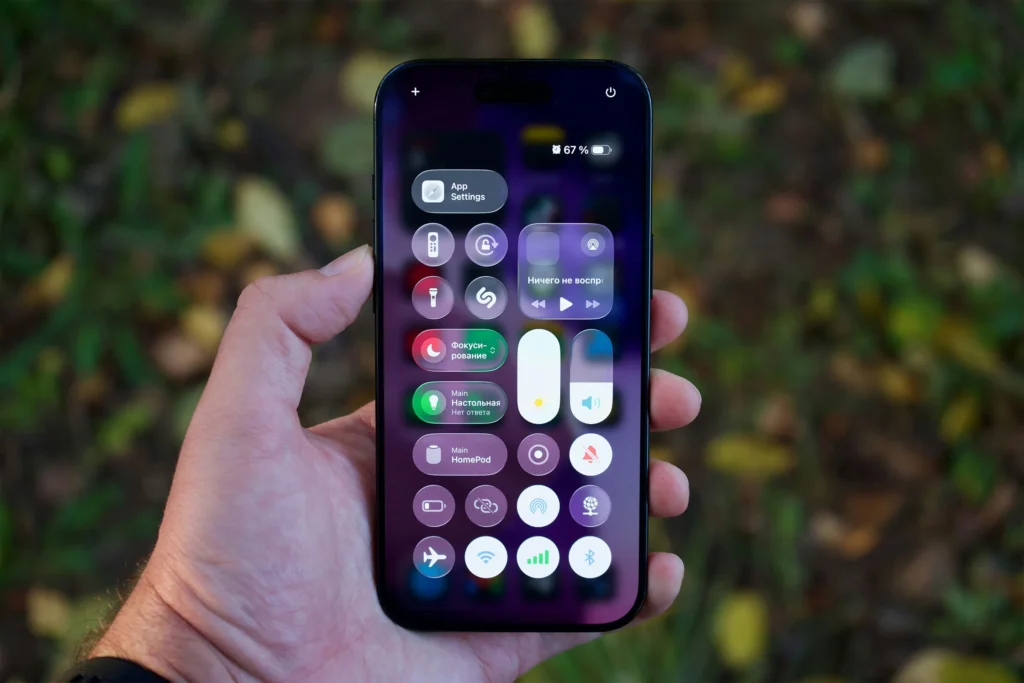
In most cases, a battery that won’t charge past 80% is not broken. It’s doing exactly what it was designed to do—protect itself.
You should only worry if:
- Charging never resumes
- Battery behavior is erratic
- Performance drops sharply
Understanding this behavior helps you avoid unnecessary repairs and extend your device’s lifespan.